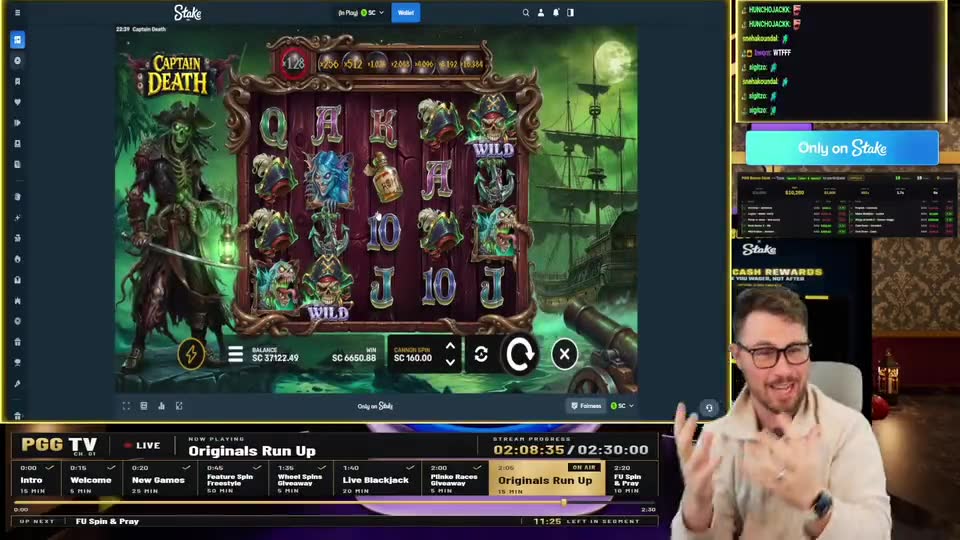
Finds the moments
Listens to every word, measures the hype in the audio and looks at the screen at every peak — then tells you exactly what happens in each clip.
Paste a Kick, Twitch, YouTube or X link. Clip Help watches the whole thing, finds the moments people react to, and hands you vertical, captioned clips — each one cut to the full story.
3 free scansNo card neededClips in minutes
Works with your streams and videos from
From a 4-hour stream to a week of posts — Clip Help does the watching, cutting, framing and captioning.
Listens to every word, measures the hype in the audio and looks at the screen at every peak — then tells you exactly what happens in each clip.
Auto length cuts each clip where the story starts and ends — no more clips that stop before the punchline.
Facecam on top, gameplay below — the classic stream-clip layout, found automatically. Or full frame and center crop.
Upload your logo and add your handle once. Every clip goes out branded, ready to post.
Bold, word-timed captions burned into every clip, plus .srt files — because most people watch on mute.
Clip streams while they're happening — even TikTok LIVE that never leaves a replay. Up to 2 hours per recording.
Most clipping tools are made for podcasts. Clip Help is made for streams — Kick and Twitch VODs, 4-hour sessions, sponsor intros, facecam overlays and chat going crazy.
Any public Kick, Twitch, YouTube, X, TikTok or Rumble link, a Drive or Dropbox file set to "anyone with the link" — or upload the file.
Clip Help listens to every word, measures the hype in the audio and looks at the screen at each peak.
Each clip comes with what happens in it, the best quote and a ready caption. Hit download and post.
Kick VODs and clips, Twitch VODs, X videos and recorded Spaces, TikTok, Rumble, and Google Drive or Dropbox files shared as "anyone with the link". YouTube links are on Pro and Super Pro. You can also upload a file up to 2 GB on any plan. If a link is ever blocked by the site, download the video and use Upload.
Up to 4 hours per scan. Long streams take roughly 10–15 minutes to process — you can close the page and come back. Record live captures up to 2 hours of a live stream.
It transcribes everything that's said, measures the loudness and sudden reactions in the audio, then looks at the screen at each peak. It skips intros, sponsor animations and "starting soon" screens, and cuts each clip to the full story.
Yes — on Pro and Super Pro. Open Brand kit, upload your logo and add your handle (like twitch.tv/yourname). They go on every new clip automatically.
3 days. Download the ones you want to keep — you can always scan the link again.
Yes — 3 full scans, no card needed (YouTube links need Pro; uploads work on the free plan). After that, Pro is $3/month and Super Pro is $7/month. Cancel anytime. Pay by card (renews monthly) or by bank transfer / USSD for one month at a time.
Paste the link. We'll find it.